Star Wars Reaction
Me talking about Star Wars
Expecting everyone to understand immediately
Creating a Meme with memeton.com is easy, fun and free.
Drag text on the meme to reposition
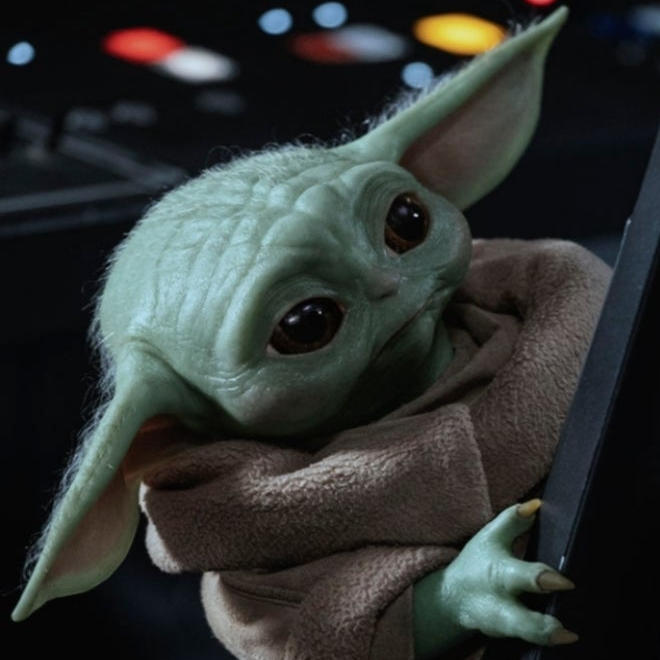
Meme · Star Wars
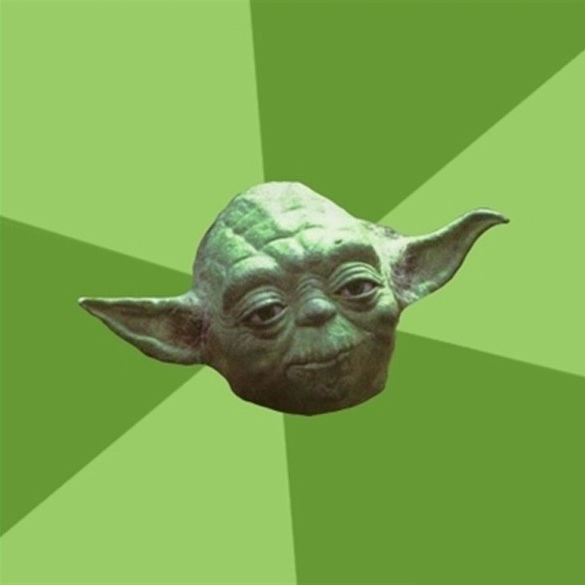
Meme · Star Wars
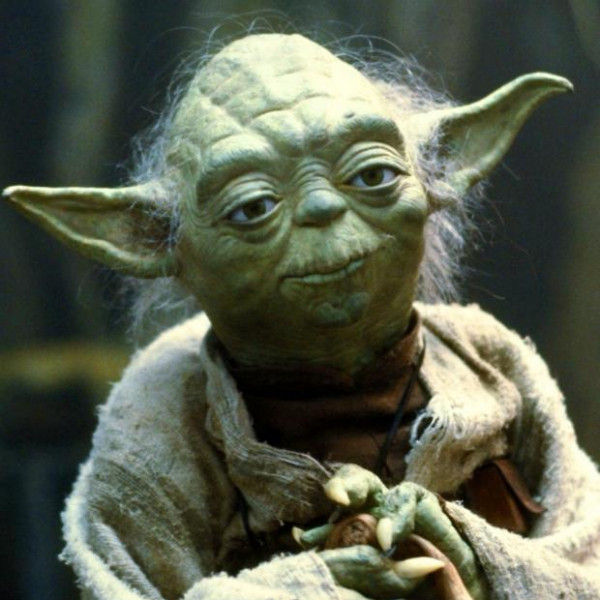
Meme · Star Wars
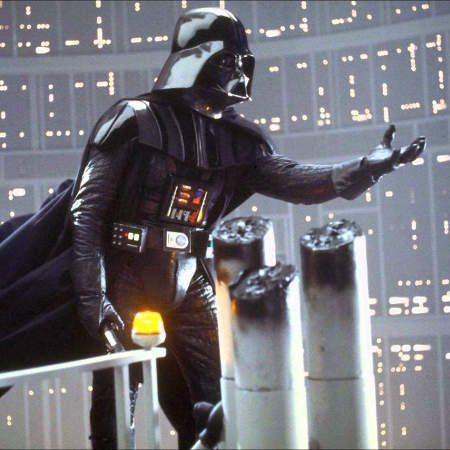
Meme · Star Wars
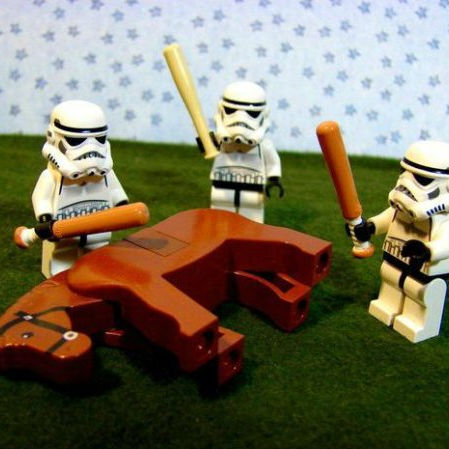
Meme · Star Wars
Load any punchy caption below onto a Star Wars template, or customize it in your own words and export in seconds.
Me talking about Star Wars
Expecting everyone to understand immediately
How Star Wars looks in theory
How it actually goes on a Monday morning
Nobody:
Me sending Star Wars memes at 1 AM
When someone brings up Star Wars
And the conversation takes over the whole chat
First rule of Star Wars
Make sure the punchline fits on two lines
Trying to stay focused
Getting distracted by Star Wars instead
Filtered templates under Star Wars let you pick the exact visual reaction or portrait you need without scrolling through unrelated formats.
Use the filtered gallery directly beneath the studio to preview every Star Wars background.
Match lettering weight and contrast to the mood of your chosen template.
Download locally or send directly across your favorite apps.
Scroll to the template grid directly below the editor and click any Star Wars thumbnail to load it onto the canvas immediately.
Yes. Click Upload your own image under the canvas to replace the background with any photo stored locally on your device.
Yes. You get the full studio controls including 8 color presets, 3 text background styles, horizontal/vertical flips, and 1:1, 4:5, or 16:9 sizing.
No. All canvas rendering stays strictly inside your browser for complete privacy.
Using this Free Meme Making Tool is really simple.
1) Select the category to show the available designs.
2) Select the design you want.
3) Go to the text section to write the message.
4) When finished go to the save page.
You can bookmark the save page for your reference in the future. Once stored on your computer you can upload it into your favourite social network, instant messaging program, etc. Finally, if you really like the meme, share it with your friends!